
Brave Browser
Brave for Android is a free, open-source browser from Brave Software that blocks ads and trackers by default and is built on Chromium.
Android
Open source

101.3.5178.90032 · Opera · Page updated
Opera Browser for Android is the mobile web browser from Opera, with tabs, private browsing, sync with Opera on your computer and data-saving options.
Average 0.0 · ratings: 0
Thank you! Your rating is saved; you can change it. Could not save the rating. Please try again later. Too many ratings from your network today. Please try again tomorrow. The average appears after 5 ratings.
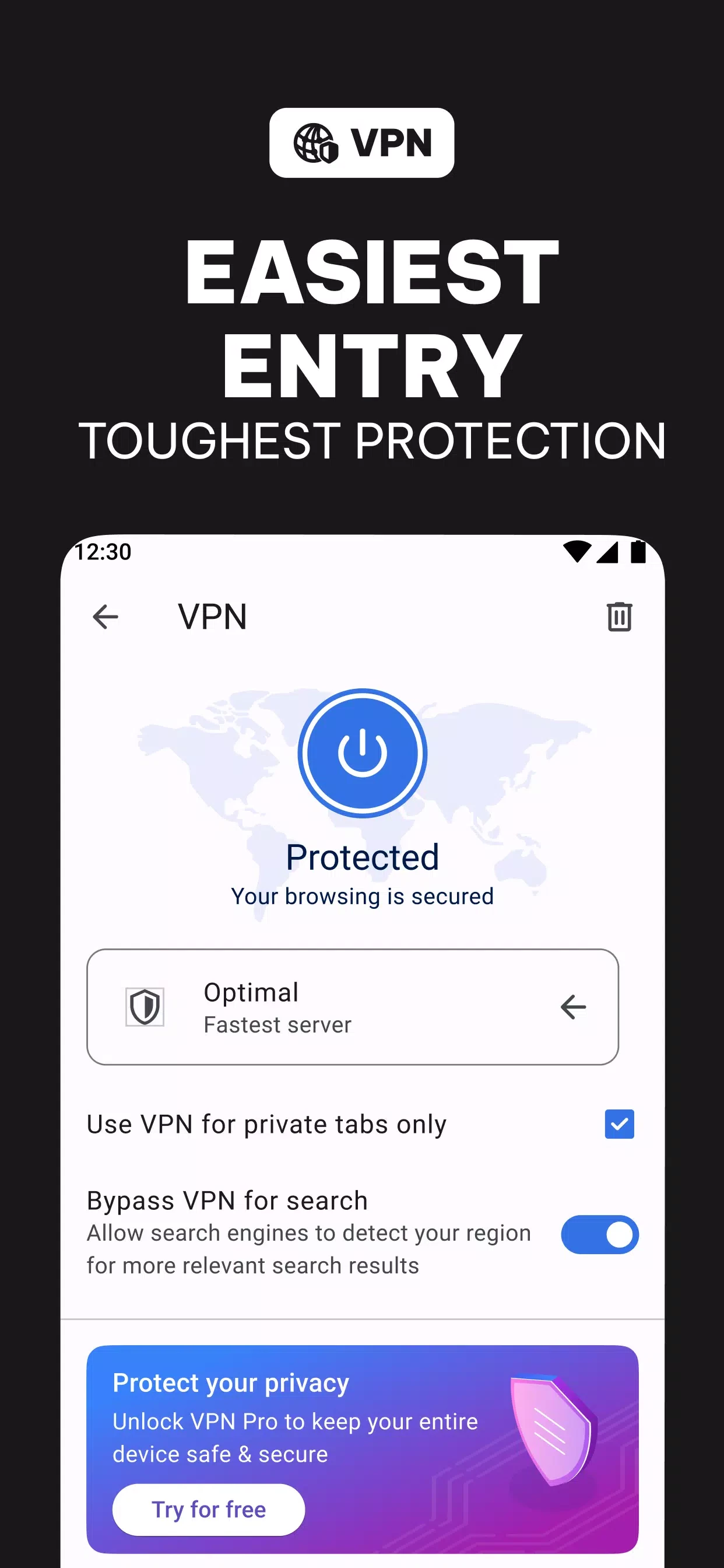
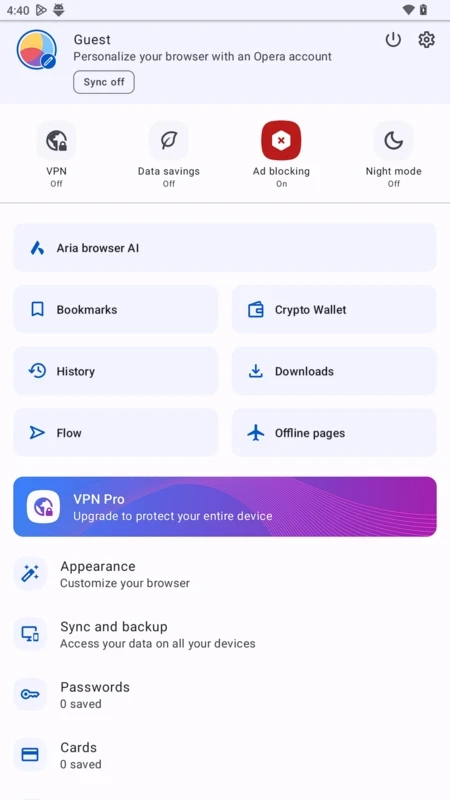
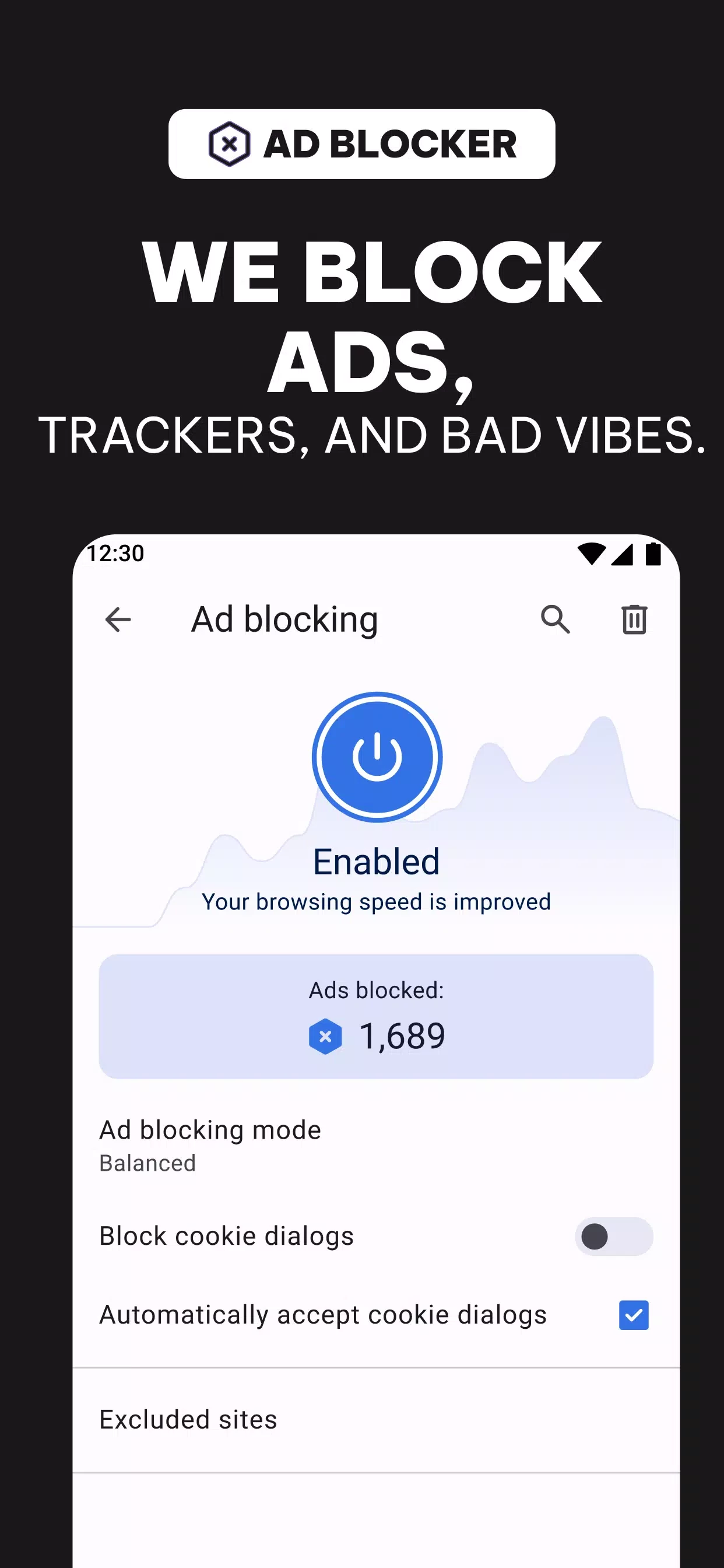
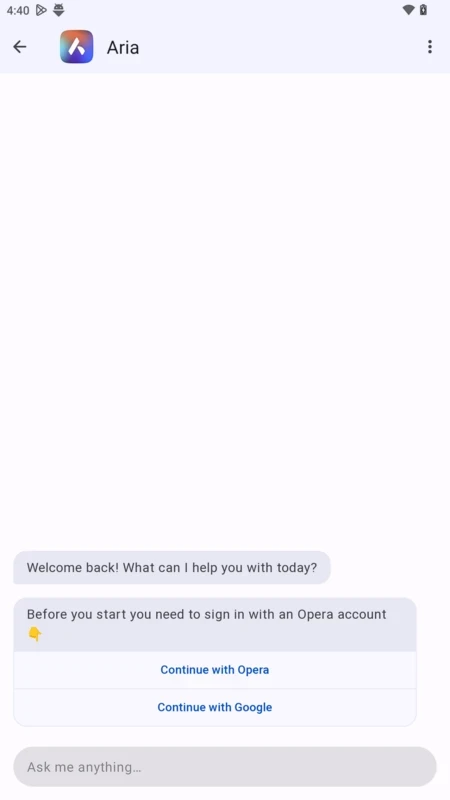
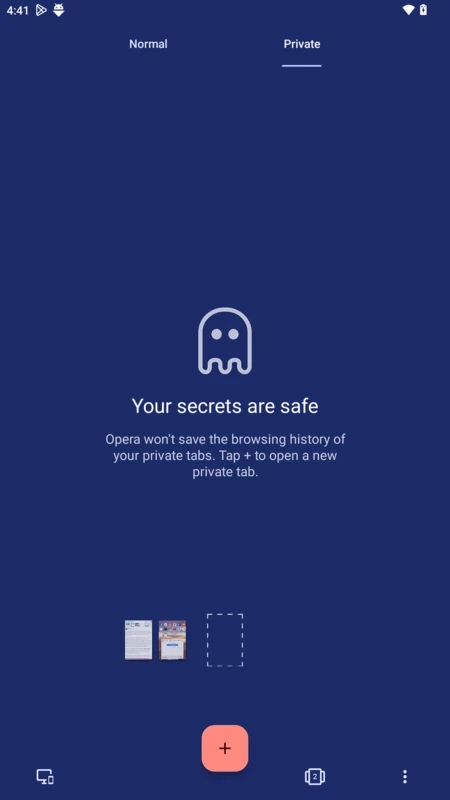
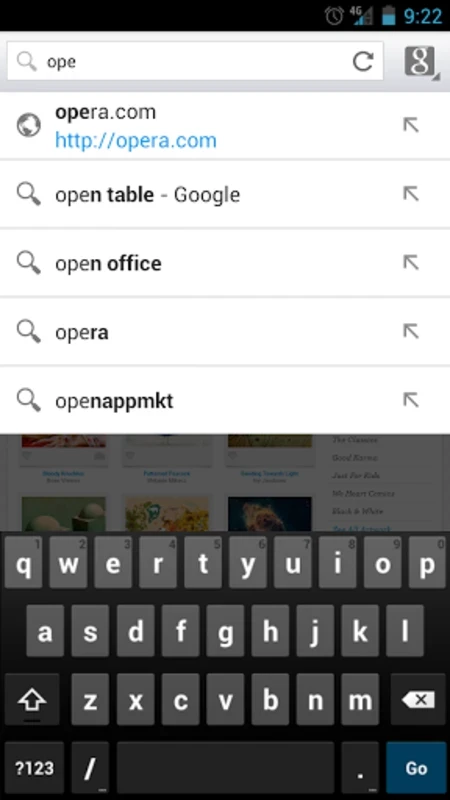
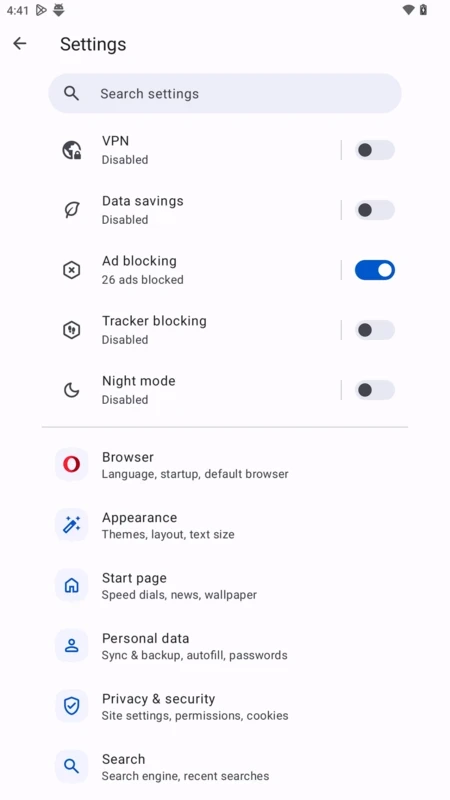
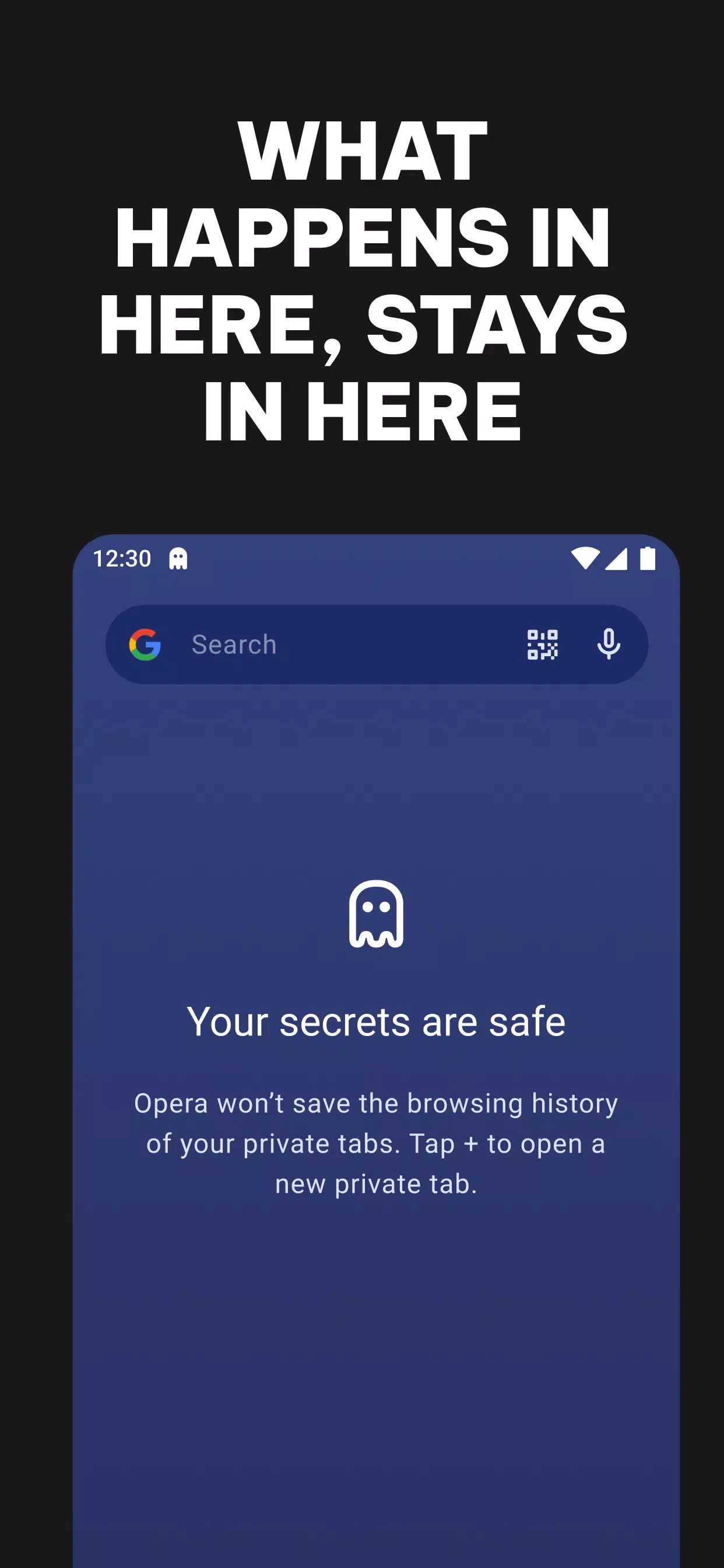
Opera Browser 101.3.5178.90032 for Android is the full-featured mobile browser from Opera, and you can download it free from Google Play. It offers tabs, private browsing, a customisable start page and sync with Opera on your computer, and it comes from a browser maker with a long history.
Opera's history goes back to 10 April 1995. Over the decades it has changed engines, from its own Presto to WebKit-based technology, and today it runs on Windows, macOS, Linux, Android, iOS and ChromeOS. The Android version is the full Opera browser, not to be confused with the lighter Opera Mini. It opens to a start page with speed dial shortcuts and a news feed you can switch off, and it handles the usual mobile tasks: tabs, private tabs, bookmarks, downloads and saved passwords. Opera also syncs with the desktop browser, so you can send a page from the phone to the computer and back. People pick it when they already use Opera on a PC, when they want a browser with a distinctive look and built-in extras, or when they want an alternative to the browser that came with the phone.
| Version | 101.3.5178.90032 |
|---|---|
| Developer | Opera |
| Platform | Android |
| License | Freeware (proprietary) |
| Updated | September 2026 |
| Size | about 132.51 MB according to catalogue data |
The Android numbering differs from the desktop Opera line, so the version on your PC will look unrelated.
Links to every version are on the official Opera download page.
Google Play checks compatibility for Android devices. Opera's own requirements page covers the desktop versions for Windows, macOS and Linux.
Spend a minute on the start page: remove speed dial tiles you never use, add the sites you open daily and hide the news feed if you find it distracting. Choosing your preferred search engine and turning on dark mode for web pages are two more quick wins.
Install Opera only from Google Play or opera.com. Review the privacy settings after installing: you can turn off personalised news, block trackers and clear browsing data when you exit. Be cautious with notification requests from websites, since accepting too many turns the phone into an ad board.
Opera is free to download and use, with no paid version of the browser.
Opera Mini is the lighter sibling in the same category. Google Chrome, Firefox, Brave Browser and UC Browser are other Android browsers to compare.
Brave for Android is a free, open-source browser from Brave Software that blocks ads and trackers by default and is built on Chromium.

Firefox for Android is Mozilla's free, open-source mobile browser with tracking protection, add-ons and sync with Firefox on your computer.

Microsoft Edge for Android is Microsoft's mobile web browser, syncing favourites, passwords and tabs with Edge on your Windows PC.
Firefox for Android is Mozilla's free, open-source mobile browser with tracking protection, add-ons and sync with Firefox on your computer.

Opera Mini is a free mobile browser from Opera for Android, designed for phones with slow connections and limited mobile data.
Google Chrome for Android is Google's web browser for phones and tablets, with tabs, bookmarks and passwords synced to your Google account.

Samsung Internet is a free Chromium-based web browser for Android developed by Samsung Electronics, preinstalled on Galaxy phones.

UC Browser Mini is a lightweight Android browser from UC Web that saves mobile data, handles downloads and runs on low-end phones.

UC Browser for Android is a mobile web browser from the Chinese company UCWeb, used for browsing, videos and downloads on the phone.