
Zen Browser
Zen Browser is a free, open-source web browser based on Mozilla Firefox, with a calm interface built around organising tabs.
Windows
Open source

Opera is a free web browser for Windows from Opera Software. The stable release is 136.0.6008.22, published on 17 September 2026.
Average 0.0 · ratings: 0
Thank you! Your rating is saved; you can change it. Could not save the rating. Please try again later. Too many ratings from your network today. Please try again tomorrow. The average appears after 5 ratings.
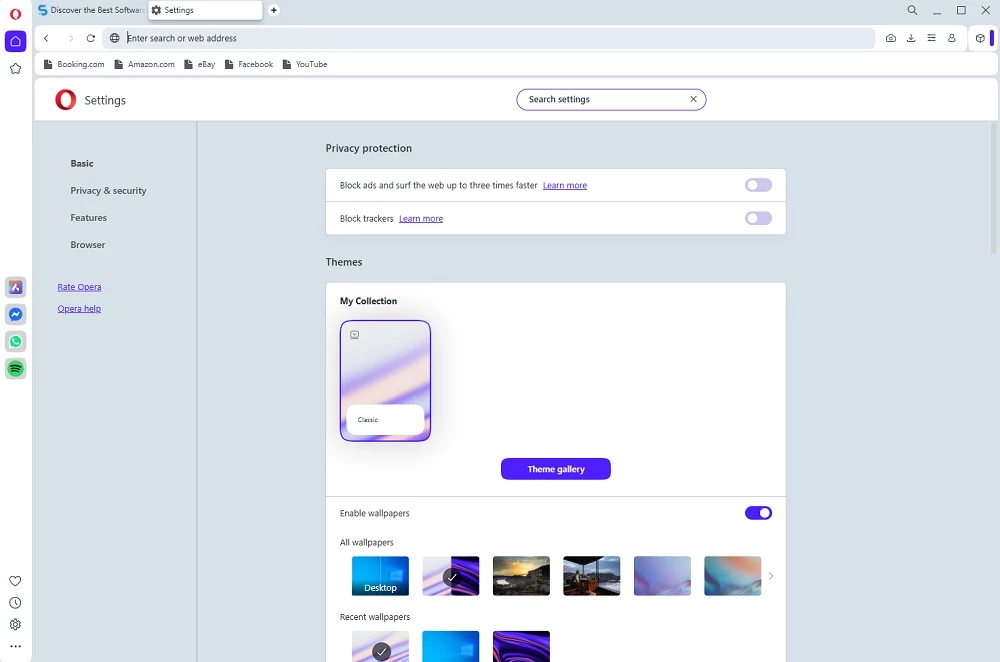
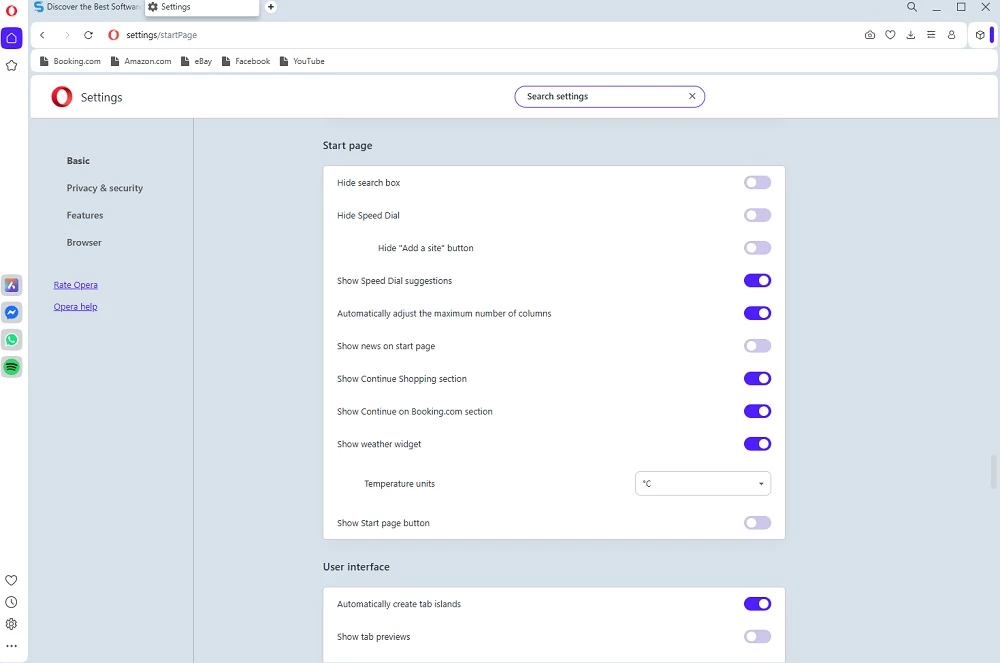
Opera 136.0.6008.22 is the stable release of the free browser for Windows from Opera Software, published on 17 September 2026. You can download it for Windows from opera.com; according to catalogue data, the previous build came to about 133.06 MB.
Opera is one of the oldest browsers still around: the company dates it to 1995, and the first release came out a year earlier, in 1994.
Opera suits people who like a browser with a long track record and a steady release rhythm but do not want to be tied to the browser that came with the computer. Its history explains a lot about its character. The early versions ran on the company's own Presto engine and even included a BitTorrent client, back when that was unusual for a browser. The modern Opera for desktop was later rebuilt on WebKit-family technology and the V8 JavaScript engine, so sites that work in other mainstream browsers work here too. What remains distinctly Opera is the interface and the way the company packages its extras around the engine. If you are moving from another browser, the first-run screen offers to bring over your bookmarks, passwords and history, and the switch takes minutes rather than an evening.
It is also a sensible second browser: many people keep one browser for work accounts and another for personal browsing, so logins and tabs never mix.
Opera updates often. The stable channel moved from 135.0.5973.142, released on 15 September 2026, to 136.0.6008.22 two days later. There is also an early alpha of 137, and the changelog for 137 shows what is coming. For daily use take stable; the browser keeps itself up to date.
The full list is on Opera's requirements page.
Opera is also listed in the Microsoft Store if you prefer installing from there.
Opera is free to download and use. It is proprietary software, so the code is not public. Install it only from opera.com or the Microsoft Store: browser installers are popular bait on file-hosting sites.
Opera also exists for Android, where it is published on Google Play under the same name.
Zen Browser is a free, open-source web browser based on Mozilla Firefox, with a calm interface built around organising tabs.

Brave is a free, open-source, privacy-focused web browser built on Chromium, with ad and tracker blocking turned on by default.

LibreWolf is a free, open-source web browser based on Mozilla Firefox, maintained by the LibreWolf Community with privacy-focused defaults.

Mozilla Firefox is a free and open-source web browser developed by Mozilla, available for Windows, macOS, Linux, Android and iOS.

UC Browser for Windows is the desktop version of the web browser from UCWeb, a Chinese mobile internet company.

Google Translate is Google's multilingual machine translation service, used on Windows through the website and a browser extension.

Microsoft Edge is Microsoft's web browser, preinstalled on current Windows versions and available as a free download for reinstalling or updating.

Vivaldi is a free, highly customisable web browser from Vivaldi Technologies, based on Chromium and with a built-in email client. This page covers version 8.2 (4133.76).
Mozilla Firefox is a free and open-source web browser developed by Mozilla, available for Windows, macOS, Linux, Android and iOS.

Google Chrome is the free web browser from Google. The stable Windows release is 154.0.8037.58, out since 22 September 2026.

Cent Browser is a free Chromium-based browser for Windows from Cent Studio that adds mouse gestures, tab tweaks and other power-user options.